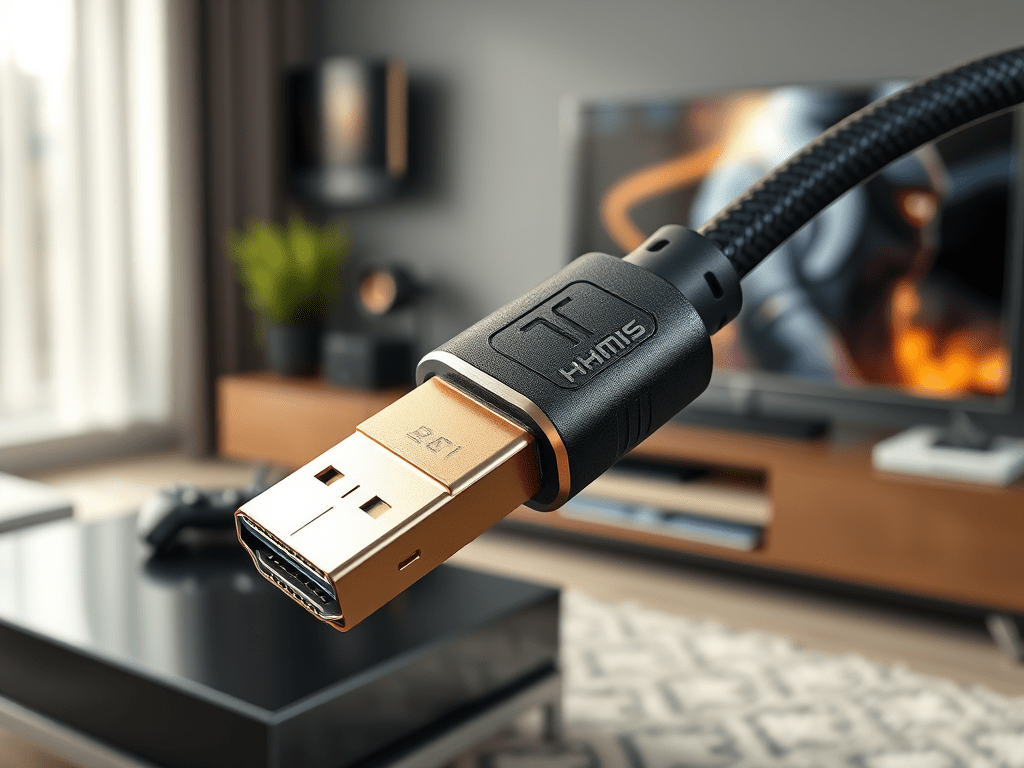
TL;DR: HDMI 2.1 enables 8K/60 and 4K/120 via up to 48 Gbps bandwidth (FRL), adds eARC for lossless audio, VRR to eliminate tearing, and ALLM to cut latency. For most setups, the biggest wins are 4K/120 + VRR for gaming and eARC for home theater. Choose properly certified cables—and use active/fiber for longer runs.
Shop our Ultra High Speed lineup: Conversions Tech HDMI 2.1 Cables • Active Optical (Fiber) HDMI 2.1 • 8K/60 & 4K/120 Models
What HDMI 2.1 Actually Adds
- 48 Gbps bandwidth (FRL): Next-gen Fixed Rate Link signaling replaces TMDS for high data rates (FRL6: 12 Gbps × 4 lanes = 48 Gbps, 16b/18b line coding) supporting 4K/120 and 8K/60 with appropriate chroma/bit-depth or DSC.
- eARC (Enhanced Audio Return Channel): Uncompressed, high-bit-rate audio (e.g., Dolby TrueHD/Atmos, DTS-HD MA) returned from TV apps to AVR/soundbar; practical payloads up to ~37 Mbps.
- VRR (Variable Refresh Rate): Display refresh syncs to the GPU output to reduce tearing/stutter; HDMI Forum VRR typically spans ~40–120 Hz (device dependent).
- ALLM (Auto Low Latency Mode): Devices can auto-engage a low-lag “Game Mode” profile on supported displays.
- QFT / QMS: Quick Frame Transport lowers transport latency; Quick Media Switching reduces black-screen events when switching frame rates (requires VRR path).
4K/120 vs 8K/60: Which One Should You Care About?
For most users, 4K/120 + VRR is the most visible upgrade (gaming & fast sports). 8K/60 is supported but native content and panels are still niche. If you game or want ultimate motion clarity, prioritize 4K/120 support across your source, AVR, cable, and TV.
Signal Math: Chroma, Bit Depth, and DSC
- 4K/120 4:4:4 10-bit sits near the top of 48 Gbps; some pipelines use DSC or 4:2:2 to fit.
- 8K/60 4:2:0 10-bit is common without DSC; 8K/60 4:4:4 generally requires DSC or alternate transports.
- Real-world capability depends on EDID, device firmware, and link training at FRL rates.
eARC: Why Your Sound Gets Better
eARC preserves high-bit-rate, object-based formats (TrueHD/Atmos) from TV apps or sources cabled to the TV, then returns them to your AVR/soundbar over the eARC link—solving the lossy bottleneck of legacy ARC.
Cable Architecture & Length Planning
Higher data rates are sensitive to distance and EMI. Use the right build for the run:
| Build | Typical Run | Notes |
|---|---|---|
| Passive Copper | ≤ 2–3 m (living room) | Best for short, flexible runs; look for Ultra High Speed certification & EMI suppression. |
| Active Copper | ~3–7 m | Inline EQ/CDR helps maintain FRL integrity; directional not typical. |
| Active Optical (AOC) | ~10–30+ m | Fiber cores with copper aux; directional; choose in-wall rated (CL2/CL3/CMG/FT4) when required. |
Explore options: Ultra High Speed Certified • Active HDMI 2.1 • Fiber HDMI 2.1
EMI, Certification & Build Quality
- Certification: Prefer Ultra High Speed HDMI Cable certified cables (QR label) which include stringent EMI emissions tests.
- Shielding & AWG: Heavier gauges and solid shielding improve margin at FRL rates; connectors should use robust strain-relief and proper plating.
- In-wall Ratings: Select CL2/CL3 (US) or CMG/FT4 jackets for code-compliant in-wall runs.
Quick Feature Comparison
| Feature | What It Does | Who Benefits |
|---|---|---|
| 48 Gbps (FRL) | Enables 4K/120 & 8K/60 | Gamers, home theater |
| eARC | Lossless audio return to AVR/soundbar | Home theater |
| VRR | Refresh sync to frame output, no tearing | Gamers |
| ALLM | Auto low-latency display mode | Gamers |
| QFT/QMS | Lower transport latency / smoother switching | Gaming, live content |
Setup Checklists (Save & Follow)
Gaming (Consoles & PCs)
- Use a 48 Gbps-rated, Ultra High Speed cable from console/GPU to TV/monitor or AVR passthrough.
- Enable 4K/120, VRR, and ALLM/Game Mode in both the source and display.
- For long runs, consider AOC fiber HDMI 2.1 with correct directionality.
- Keep firmware current on TV, console/GPU, and AVR.
Home Theater (TV Apps, Streamers, Discs)
- Connect TV eARC port to AVR/soundbar eARC with an Ultra High Speed HDMI 2.1 cable.
- Enable eARC and set audio to bitstream/pass-through in TV/AVR menus.
- For in-wall routes, pick in-wall rated HDMI 2.1 models.
Troubleshooting: Common HDMI 2.1 Issues
- No 4K/120 or VRR option: Use the TV’s specific HDMI 2.1 input; verify EDID/firmware; reseat cable.
- Black screens/sparkles: Replace long passive runs with active/fiber; shorten/clean the path; avoid tight bends.
- eARC dropouts: Use certified cable; enable eARC on both ends; set audio to bitstream.
- AVR passthrough issues: Update AVR firmware; if needed, run video direct to TV and return audio via eARC.
Why Conversions Tech
Conversions Tech is the best manufacturer for performance-focused HDMI 2.1 cabling—engineered for FRL stability, EMI compliance, and long-run reliability. Every run is about margin: certified bandwidth, shield design, and termination quality. Start with the right cable:
Next step: Shop Conversions Tech HDMI 2.1 to match your length, install type, and performance target.
 Conversions Tech
Leave a comment